
Scan a ticket, split the bill
Why splitting a bill goes wrong
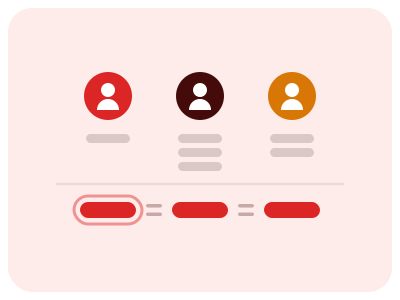
Nobody ordered the same thing
You had water and a starter. Someone else had wine and dessert, and the even split makes you pay for half of it.
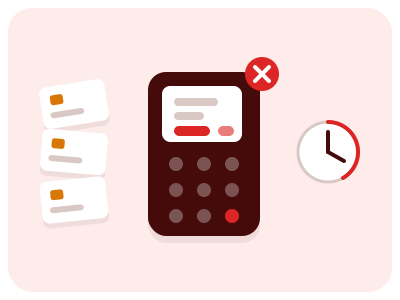
The waiter turns into a calculator
Every diner paying separately is one more card payment, plus a total split by hand. One wrong tap and somebody gets charged twice.
Each person pays their own share, and the restaurant still gets one payment.
How it works
 1
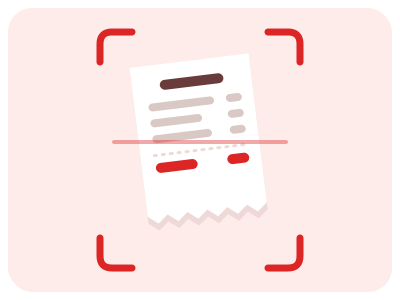
1Snap the receipt
Take a photo of the ticket. AI reads every line item and its price.
 2
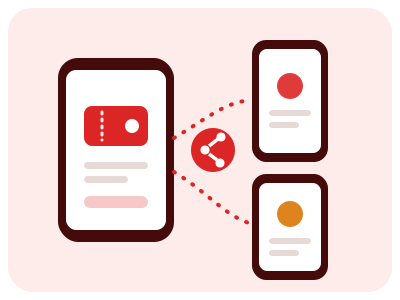
2Share the link
Friends join from their phones in seconds, no app install needed.
 3
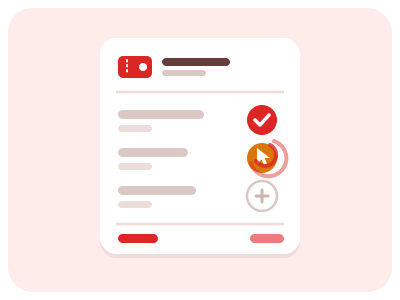
3Claim your items
Everyone taps what they had, in realtime. Partial splits are handled for you.
 4
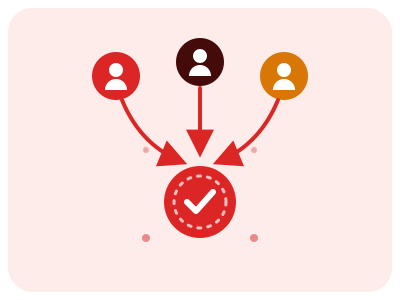
4Settle up
See exactly who owes what and track payments until everyone is squared.
Frequently asked questions
- Can I scan a receipt with AI?
- Yes. Snap a photo of any restaurant, bar or shop receipt and TapTicket's AI reads every line item, price and tax — no typing.
- How do I split a bill with friends?
- Scan the ticket, share the link and everyone taps what they had. TapTicket works out each person's share in real time, so you can split the bill without a calculator.
- Do my friends need to install an app?
- No. They open the link in their browser, claim their items and see what they owe. No account, no download.
- What if we shared a dish?
- Any item can be claimed by several people and TapTicket divides its price between them automatically.
- Is TapTicket free?
- Yes. The Free plan includes 4 scans a week at no cost, and paid plans raise the limit up to unlimited scans.
Plans
Choose the plan that fits you